Getting Started with DungeonBox
Install, host, share a room code, and run your first party RPG night.
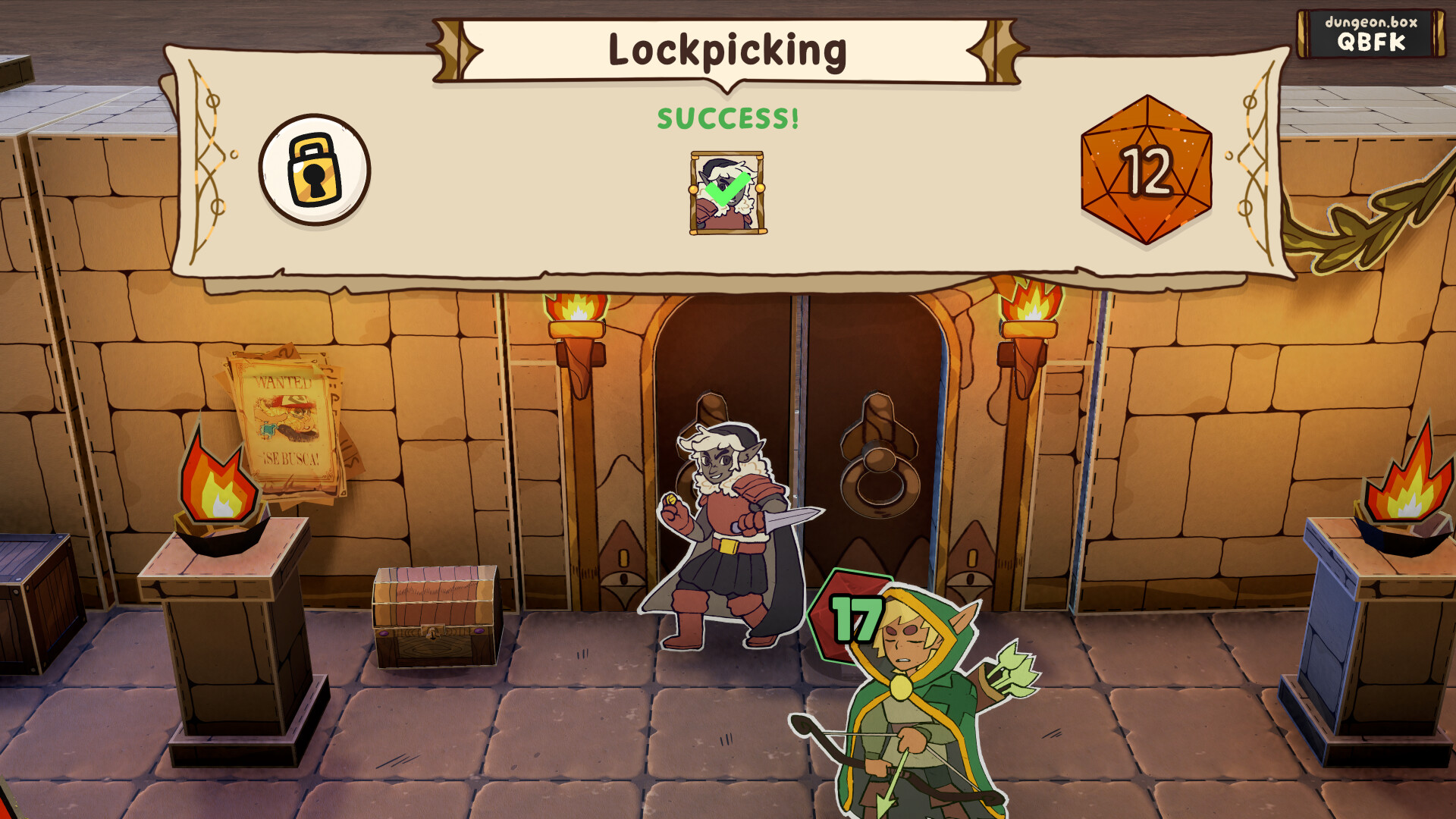
DungeonBox by Foxtail Games LLC is a party RPG designed so one person runs the Steam build while everyone else plays from a phone browser. This getting-started guide walks a first-time host from install through the first adventure beat. Pair it with How to Join for guests and How to Play once the room is live. Confirm the December 1, 2026 Steam release and whether you are on the demo before you invite the full table.
What you need before launch
You need a Windows or macOS machine that meets the system requirements: Windows 10 with roughly an i3-2100 / FX-4100 class CPU, 4 GB RAM minimum (8 GB recommended), HD 4000 / GTX 650 / HD 7750 class graphics, and about 4 GB storage; macOS 12 or newer on a 2014-or-later i5 or Apple Silicon M1 with at least 4 GB RAM. Stable local Wi-Fi matters more than raw GPU power because phones hit dungeon.box for answers, votes, and skill checks.
Print or bookmark the party host checklist. Decide seats (up to eight players), whether empty chairs become CPU players, and the content rating from Family Friendly to Anything Goes. Kickstarter updates noted Pro DM credits temporarily free during beta — check current Steam and Kickstarter notes before assuming a charge. Consoles (Xbox, PlayStation, Switch) are planned for 2026; this guide focuses on the Steam Windows and macOS host path that ships December 1, 2026.
Install and create a room
Install DungeonBox from Steam (app 3788110). Launch as the host. Create a session and note the room code shown for guests. Guests open dungeon.box on any modern phone browser, enter the code, and sit down — no app store download and no account. Remote friends can use Remote Play Together when they cannot sit in the living room. Streamers can enable audience voting so chat participates without taking a hero seat.
Before anyone picks a hero, set the tone: Computer DM (AI narrates with OpenAI GPT-4.1 plus TTS) or Player DM (a human runs the table and can disable AI narration). Computer DM is ideal when nobody wants to prep; Player DM fits groups that already love tabletop facilitation. Either mode still uses the same Join → Answer → Vote → Adventure loop on phones.
Seat the party and pick heroes
DungeonBox includes 12 handcrafted heroes with XP, stats, and abilities such as Fireball, Pickpocket, and Diss Track. Browse the players hub and heroes pages before session zero if your group likes to theorycraft. The tier list is a community opinion aid, not a balance patch — use it to break ties, not to lock fun. If the Bard playlist stretch goal is active in your build, decide who controls music so audio does not become a mid-fight argument.
Fill unused seats with CPU players when you want a fuller combat board without waiting for late arrivals. Keep one spare phone charged for guests whose batteries die mid-dungeon. Explain that skill checks and combat votes happen on the phone UI so people stop looking for a gamepad.
First-session flow
- Host launches Steam, creates the room, reads the code aloud and posts it in chat.
- Guests join at dungeon.box; host confirms every seat lights up.
- Choose Computer DM or Player DM; set content rating; optionally enable audience voting.
- Players pick from the 12 heroes; host fills empties with CPU if desired.
- Run a short Join → Answer → Vote → Adventure beat so everyone feels the d20, including natural 20 and natural 1 outcomes.
- Move into Lion’s Labyrinth or another prepared quest block once the table understands voting.
Keep Combat & Voting open on a second monitor for the first fight. Turn-based combat with card voting is easier to teach when someone can point at the same UI language the phones show. The AI narrator can describe scenes while players still own decisions through votes — or silence AI entirely under Player DM if the table prefers human pacing.
After the first night
Capture which quests you cleared among the 100+ hand-written options, who leveled, and whether the Gilded Serpent thread in Lion’s Labyrinth is still open. Send guests back to How to Join next week so returning players do not ping you for the URL. Hosts should revisit this page only when Steam patches change install steps or when console versions arrive in 2026 with different controller expectations.
For official store links and community hubs, use Links and the wiki overview. For the full guide map, return to the Guides Hub. Kickstarter momentum ($594,124 from 9,835 backers) funded the party-phone design you are about to run — treat the first session as a soft rehearsal: short quest, clear votes, then a longer labyrinth dive once everyone trusts the room code flow.
Frequently Asked Questions
Quick answers for hosts, heroes, and first-time players.
Do guests need Steam or an account?
No. Only the host needs the Steam build. Guests join with a room code at dungeon.box in a phone browser — no app and no account.
Computer DM or Player DM for a first night?
Use Computer DM if nobody wants to prep narration. Choose Player DM if someone enjoys running the table; AI narration can be disabled in that mode.
How many players can join?
Up to eight players. Empty seats can be filled with CPU players, and streamers can add audience voting on top.
Where can I see the game in motion before hosting?
Watch the beta gameplay video on this page, try the demo if available, and skim How to Play plus Combat & Voting before friends arrive.