DungeonBox Tools & Host Utilities
Practical checklists and specs so your Steam host and phone party start clean.
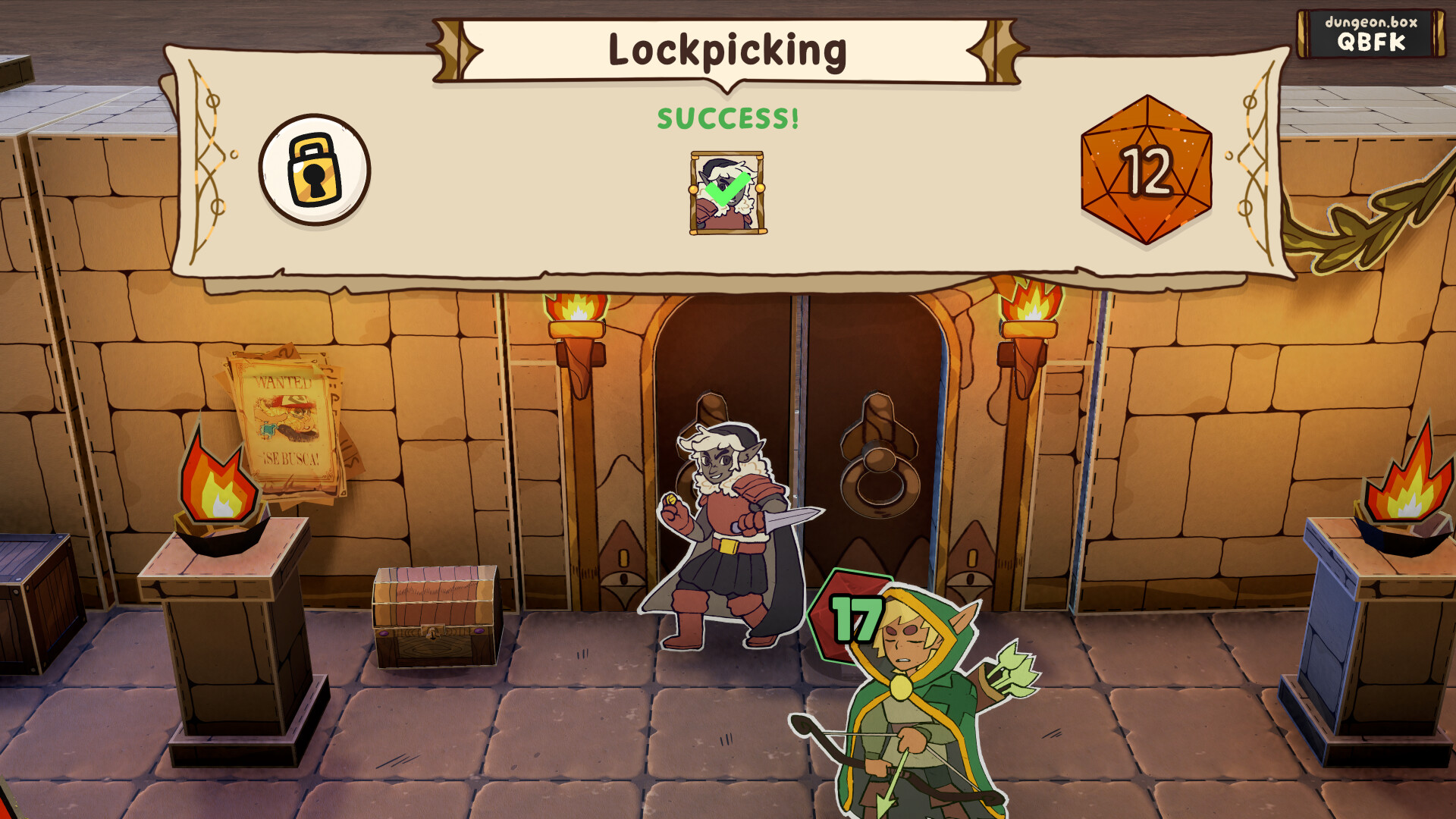
The Tools Hub is the practical side of the DungeonBox wiki. Foxtail Games LLC built a party RPG where the host PC or Mac runs Steam while up to eight friends join from phone browsers at dungeon.box. That split means your night fails on Wi-Fi, speakers, or OS specs as often as on bad dice. Use these pages before you send the room code.
Tool pages
- System Requirements — Windows and macOS minimums and recommendations from the Steam page (app 3788110), plus network and disk notes.
- Party Host Checklist — step-by-step prep for DM mode, content rating, phones, streaming, CPU fillers, and first-quest timing.
Pair tools with gameplay hubs: Players for heroes, Guides for how-to pages, and Updates for the December 1, 2026 launch target.
Why a tools section exists
DungeonBox is closer to a living-room board-game night than to a solo CRPG. Guests bring phones, not controllers. The host manages:
- Steam install on Windows or macOS (consoles planned for 2026).
- A visible room code (or a hidden code when streaming).
- Optional computer DM AI narration versus a player DM.
- The content rating slider from Family Friendly to Anything Goes.
- Audio so text-to-speech narration and Bard playlist moments are audible.
- Bandwidth for local and online co-op, including Remote Play Together.
Kickstarter already proved the audience—about $594k from 9,835 backers. Tools pages help that audience actually finish a quest instead of debugging screens.
Quick host path
- Verify hardware on System Requirements.
- Install or update the demo for a rehearsal if the full game is not unlocked yet.
- Walk How to Join once yourself on a second phone.
- Run the Party Host Checklist the afternoon of your event.
- Point new players at Getting Started and How to Play.
Network and room geometry
Phones must reach dungeon.box. Prefer a stable local Wi-Fi SSID; captive portals and client isolation on guest networks break joins. Seat players where they can see the host screen for votes and combat voting cards. Remote players need voice chat plus a way to see the shared display—Remote Play Together or a stream—while still submitting actions from their own browsers.
Creative tools inside the game
“Tools” is not only host utilities. In-session, players draw items and monsters on phones and watch them appear in the dungeon. That creative layer sits beside XP and abilities on Abilities and XP. Hosts should leave a minute to explain sketching before Lion’s Labyrinth so nobody treats drawing as an optional menu they never open.
Spec mindset for party RPGs
Minimum specs (Win10, i3-2100 / FX-4100, 4 GB RAM, HD 4000 / GTX 650 class, 4 GB disk; macOS 12 with i5 or M1) are enough for many living rooms, but eight concurrent phones plus optional AI narration push memory and network harder than a quiet single-player session. Recommended 8 GB RAM on Windows is the safer host target. Details live on the system requirements page.
Related wiki links
- Heroes Tier List Hub — pre-release role planning only.
- Links and wiki — official Steam, Discord, and community destinations.
- Players Hub — roster and progression context for whoever you are hosting.
When the checklist is green, send the code, pick heroes, and let the table vote. Tools get you to the fun; they are not the fun—unless your fun is a perfectly routed living-room LAN.
Frequently Asked Questions
Quick answers for hosts, heroes, and first-time players.
What belongs in the Tools Hub?
Host-facing utilities: system requirements, party setup checklists, and practical prep for phone joins and DM settings.
Do guests need the Steam client?
No. The host runs Steam on Windows or macOS. Guests join with a phone browser and room code at dungeon.box.
Should I run the demo before hosting?
Yes if possible. The demo is the fastest way to validate Wi-Fi, audio, and the join flow before December 1, 2026.
Where is the party checklist?
Open the Party Host Checklist under this hub for a full pre-game runbook.