How to Play DungeonBox
Master the Join → Answer → Vote → Adventure loop with phones as controllers.
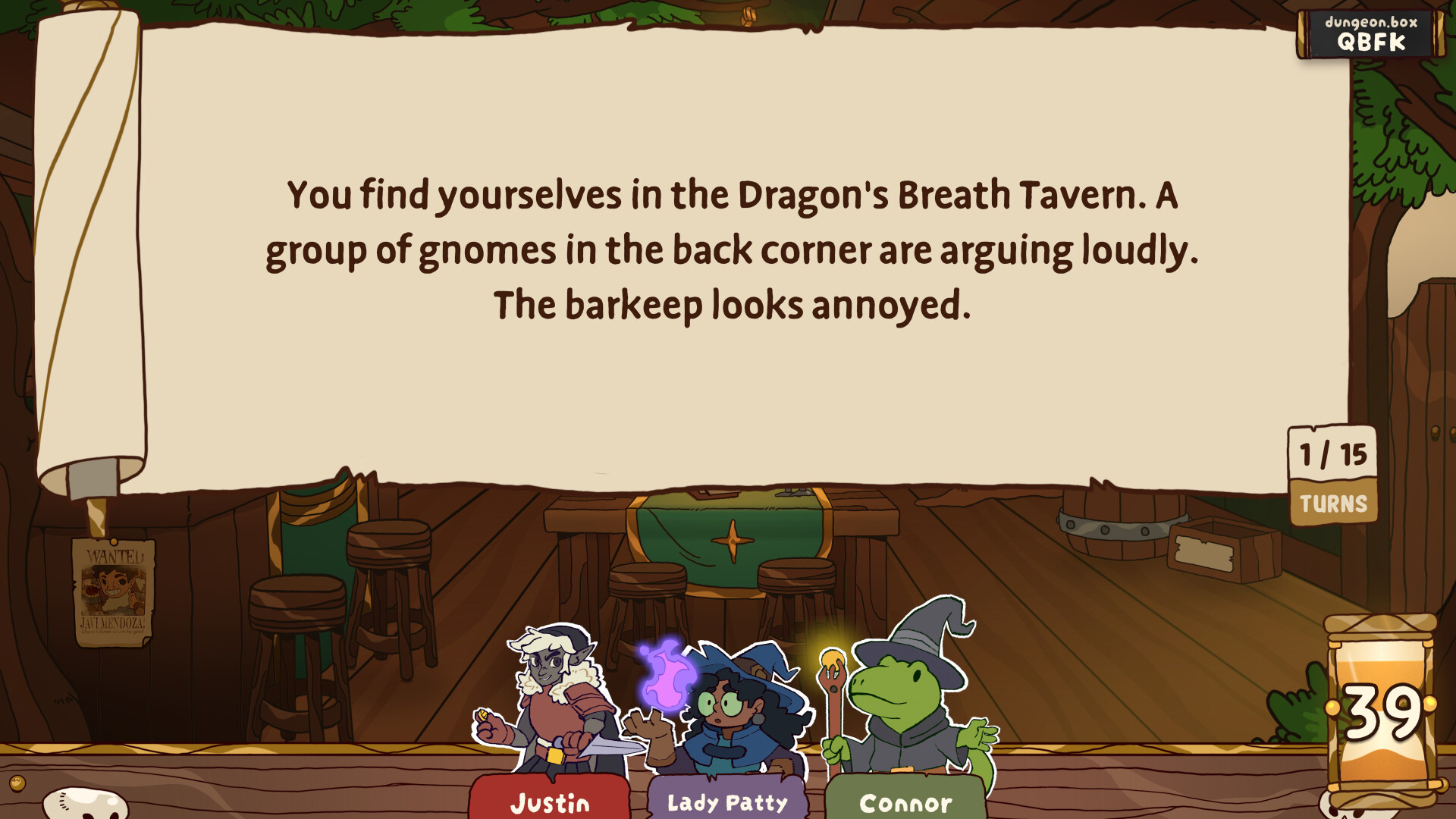
DungeonBox plays like a living-room tabletop session wrapped around a Steam host and phone controllers. This how-to-play guide explains the loop every seat needs to understand after they have joined. If you have not hosted yet, read Getting Started first. Guests who only need the URL and room code should open How to Join. Combat details live in Combat & Voting; campaign structure lives in Lion’s Labyrinth.
The core loop
Every session revolves around four beats: Join, Answer, Vote, Adventure. Join is the room-code handshake at dungeon.box. Answer is when the table responds to prompts, skill checks, or roleplay choices on their phones. Vote is how the party commits to a shared action — especially in turn-based combat with card voting. Adventure is the narration and world reaction that follows, delivered by Computer DM (OpenAI GPT-4.1 with TTS) or a human Player DM who can keep AI off.
Think of the TV or monitor as the shared stage and phones as character sheets plus dice trays. Nobody needs a separate app or account. The host owns Steam app 3788110; everyone else is a browser client. Remote Play Together extends the stage to friends who cannot sit on the couch. Audience voting lets stream viewers lean on decisions without taking one of the eight hero seats.
Skill checks and the d20
Skill checks resolve on the phone. When the DM or scenario calls for a check, players see the prompt, commit, and the d20 decides success margins. Natural 20s and natural 1s matter — celebrate crits and lean into fumbles so the table feels tabletop drama instead of silent pass/fail. Abilities such as Fireball, Pickpocket, and Diss Track layer on top of the check economy; teach what each button does before the first boss so nobody wastes a signature move on a trash roll.
You do not need to memorize a full RPG rulebook. DungeonBox packages checks into the phone UI. Hosts should still explain once: higher is better, natural 20 is special, natural 1 is trouble, and party votes can override selfish impulses when the fiction demands a group call.
Roles at the table
- Host — owns the Steam install, creates the room, manages content rating (Family Friendly through Anything Goes), and decides Computer DM versus Player DM.
- Players — pick among 12 handcrafted heroes, answer prompts, vote in combat, spend abilities, and earn XP.
- Player DM — optional human narrator; can disable AI and still rely on phone votes for fairness.
- CPU players — fill empty seats so combat math and party size stay interesting.
- Audience — optional stream voters who influence without occupying a hero slot.
Browse Players and heroes when choosing a roster. Use the tier list only as a tie-breaker. If the Bard playlist stretch goal is live in your build, assign music control so soundtrack fights do not interrupt skill checks.
DM modes in practice
Computer DM keeps narration flowing when the group wants zero prep. The AI describes scenes and outcomes while players still own answers and votes. Player DM flips authorship to a human: great for custom jokes, house rules, and pacing a long Lion’s Labyrinth arc toward the Gilded Serpent hoard. Kickstarter updates mentioned Pro DM credits temporarily free during beta — verify current status on Steam and official channels before budgeting.
Either mode still benefits from the party host checklist and sane system requirements. Weak Wi-Fi breaks phone clients faster than a mid-range GPU fails the Steam host.
Session structure that works
Open with a two-minute rules reminder: loop, d20, voting, and where the room code lives. Run one soft encounter so every phone completes Answer and Vote once. Then push into a hand-written quest from the 100+ pool — Lion’s Labyrinth papercraft crawl is the showcase path. Keep fights short until the table trusts card voting; deep rules are in the combat guide.
Between sessions, note XP, unfinished quests, and whether content rating should shift next time. Demo players should confirm feature parity on the demo page; full launch timing sits on the release date update. Consoles are planned for 2026 after Steam Windows and macOS; the phone-controller fantasy remains the selling point either way.
Common mistakes
Do not assume guests installed something — send How to Join. Do not skip teaching natural 20 / natural 1. Do not start a brutal labyrinth wing before the first vote succeeds. Do not leave empty seats idle if CPU players would make combat clearer. Do not invent house rules that contradict phone UI prompts mid-check.
When you need the full catalog of how-tos, return to the Guides Hub. Official destinations live under Links and the wiki overview. Foxtail Games LLC funded this design through a Kickstarter that raised $594,124 from 9,835 backers — the play pattern you are learning is the product of that party-first pitch.
Frequently Asked Questions
Quick answers for hosts, heroes, and first-time players.
What is the Join → Answer → Vote → Adventure loop?
Join with a room code, answer prompts and skill checks on your phone, vote on shared actions (especially combat cards), then experience the adventure narration from Computer DM or Player DM.
Where do skill checks happen?
On each player's phone. The d20 resolves checks; natural 20s and natural 1s are called out as special outcomes.
Can we play without AI narration?
Yes. Choose Player DM and disable AI so a human runs the table while phones still handle answers and votes.
How does this differ from a traditional controller co-op RPG?
One Steam host renders the shared game; up to eight players use phones as controllers via dungeon.box instead of gamepads, with voting and checks built into the mobile UI.