DungeonBox Party Host Checklist
A night-of runbook for Steam hosts running up to eight phone adventurers.
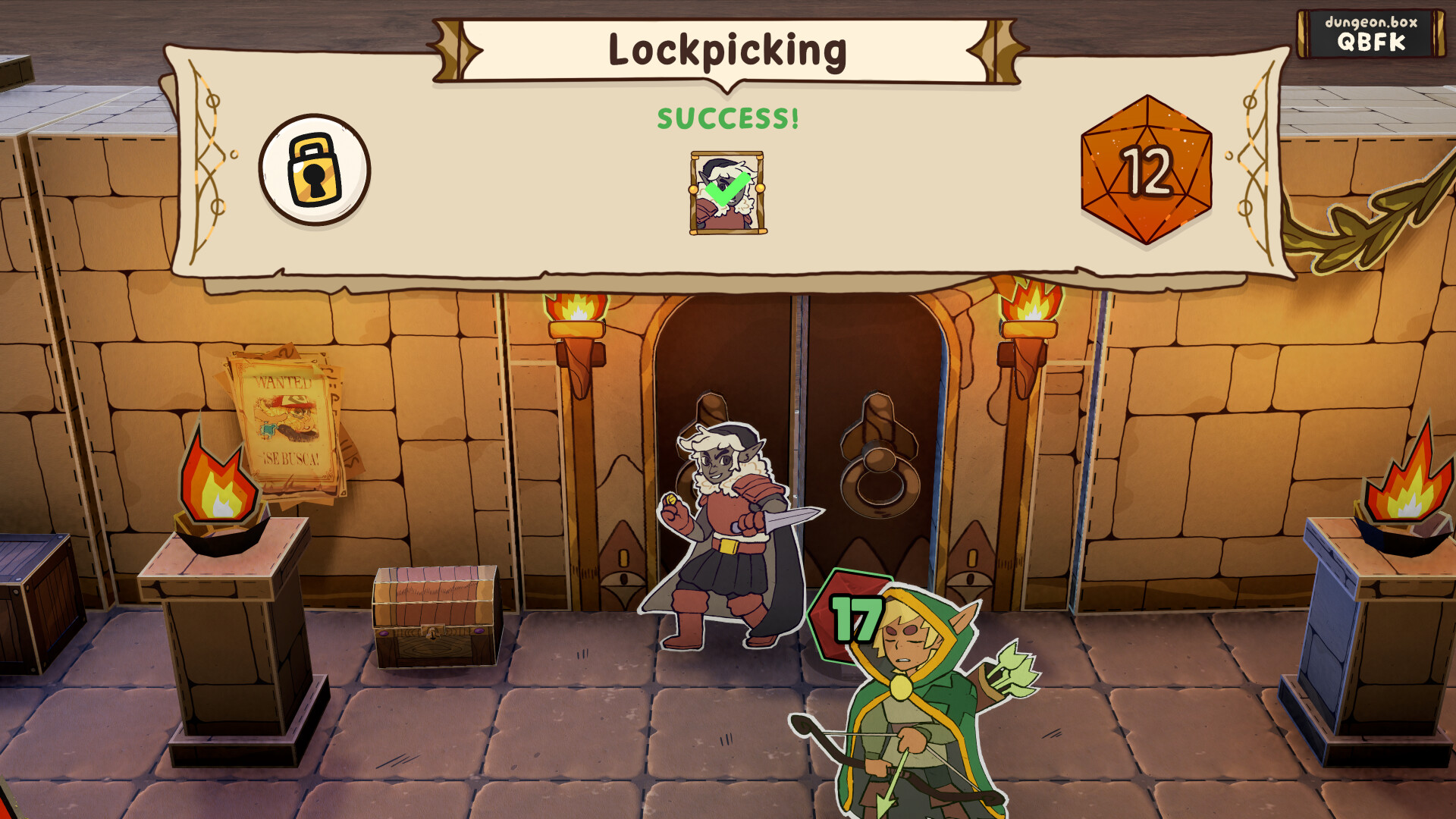
Hosting DungeonBox is half RPG facilitation and half AV tech. Foxtail Games LLC designed the loop so you run Steam on Windows or macOS while up to eight friends play from phone browsers with a dungeon.box room code. This checklist turns that design into a repeatable pre-game ritual—useful for the demo today and for launch night on December 1, 2026.
Print it, paste it into your group chat, or skim it ninety minutes before guests arrive.
T-minus one day
- Confirm the host PC or Mac meets system requirements (Win10 i3-2100/FX-4100 floor, 4 GB RAM minimum, 8 GB recommended; macOS 12 with i5 or M1).
- Install or update Steam and DungeonBox (or the demo).
- Charge every phone that will join; ask remote friends to test voice chat separately.
- Decide computer DM versus player DM. If a human narrates, pick who and brief them.
- Agree the content rating band (Family Friendly through Anything Goes) with anyone bringing kids or coworkers.
- Share How to Join and Getting Started links so guests are not learning room codes at the door.
- Optional: skim the pre-release Heroes Tier List Hub so the group covers support, damage, utility, and comedy lanes without inventing fake roster drama.
T-minus sixty minutes
- Network — Boot the router. Disable client isolation on the SSID phones will use. Prefer a simple password; avoid hotel captive portals.
- Host display — Full-screen the game on the TV or monitor everyone can see. Dim competing lights that wash out vote UI.
- Audio — Set default output loud enough for narration TTS and music. If a Bard will drive the playlist stretch, confirm the host speakers—not a silent headset—are the route.
- Launch once solo — Reach the lobby, generate a room code, join it yourself on a spare phone, then quit that test seat.
- Stream privacy — If you broadcast, enable the option to hide the room code on stream and prepare a whisper channel for real guests. Audience voting is a feature; random drop-ins may not be.
- Remote Play Together — Only enable if remote friends need the mirrored host view; they still act through phones when using the intended join path.
T-minus fifteen minutes
- Set DM mode and content rating before people pick comedy-heavy kits.
- Explain drawing tools: players can sketch magic items and monsters that appear in the dungeon.
- Announce max seats (up to eight) and whether CPU players will fill gaps.
- Point newcomers at How to Play on this wiki if someone wants a rules skim.
- Remind the table that risky actions roll on phones and that class, stats, and items tip odds—details on Abilities and XP.
Join flow script (say this out loud)
- “Open your phone browser—no app store trip.”
- “Go to dungeon.box and type the code on the TV.”
- “Pick a hero. We have twelve. Think about whether you want damage, support, utility, or comedy energy.”
- “When the prompt appears, type what the party should do. We vote. Winners rewrite the story.”
- “If we fight, we vote on cards together—read Combat Voting later if you want depth.”
Keep the script short. The game teaches by playing; your job is removing friction.
First quest choices
- Teaching night: shorter freeform or demo quest, player or computer DM on a calmer rating, one utility-minded hero encouraged.
- Labyrinth night: schedule Lion’s Labyrinth when the group already knows votes; expect chests, keys, mimics, trolls, and card battles toward the Gilded Serpent’s hoard.
- Stream night: comedy-friendly rating only if chat is ready; hide codes; rehearse audience vote moments.
Kickstarter energy is high—9,835 backers pledged about $594k—but your living room still needs pacing. Plan a stretch break every hour so phones can charge.
Mid-session host duties
- Watch for dropped Wi-Fi clients; re-share the code without putting it on stream if you are live.
- If the computer DM output gets weird for your group, switch to player DM rather than arguing with the model mid-scene. Steam discloses AI narration with filtering; you are allowed to turn it off.
- Keep combat card votes readable—pause banter for five seconds when blocking a nasty enemy move matters.
- Celebrate natural 20s and natural 1s equally; both are the product.
End-of-night shutdown
- Screenshot funny moments if the group wants memories.
- Note which role lenses felt missing for next time—update your mental draft using Players and Heroes.
- Exit the Steam session cleanly; leave the demo or game updating overnight before release date week.
- Point superfans at Links and wiki for Discord and Steam hubs.
- Recycle this checklist; tweak timings for your apartment.
Printable checkbox block
- Specs verified
- Game or demo updated
- Wi-Fi guest-friendly
- Audio on speakers
- DM mode chosen
- Content rating chosen
- Room code tested on a phone
- Stream code hidden if needed
- CPU filler plan set
- First quest picked
- Join script rehearsed
- Breaks scheduled
Related pages
- Parent: Tools Hub
- Specs: System Requirements
- Play loop: Guides Hub
- Roles: Players Hub, speculative Heroes Tier List Hub
When every box is checked, you are no longer a sysadmin—you are the friend who brought the dungeon. Send the code, unlock Fireball and Diss Track nights, and let the party vote the rest.
Frequently Asked Questions
Quick answers for hosts, heroes, and first-time players.
What should I configure before guests pick heroes?
Set DM mode (computer or player) and the content rating slider first, then share the room code and hero select.
How do I keep stream snipers out?
Hide the room code on stream and share the real code through a private channel. Audience members can still vote when you want them to.
What if I have fewer than eight players?
Start anyway. Fill empty seats with CPU players if you want a fuller party for combat voting and quest energy.
Do I need the full game to practice hosting?
No. Use the Steam demo to rehearse Wi-Fi, audio, and the dungeon.box join flow before the December 1, 2026 release.