How to Join a DungeonBox Game
Phone browser, room code, zero installs — sit down in under a minute.
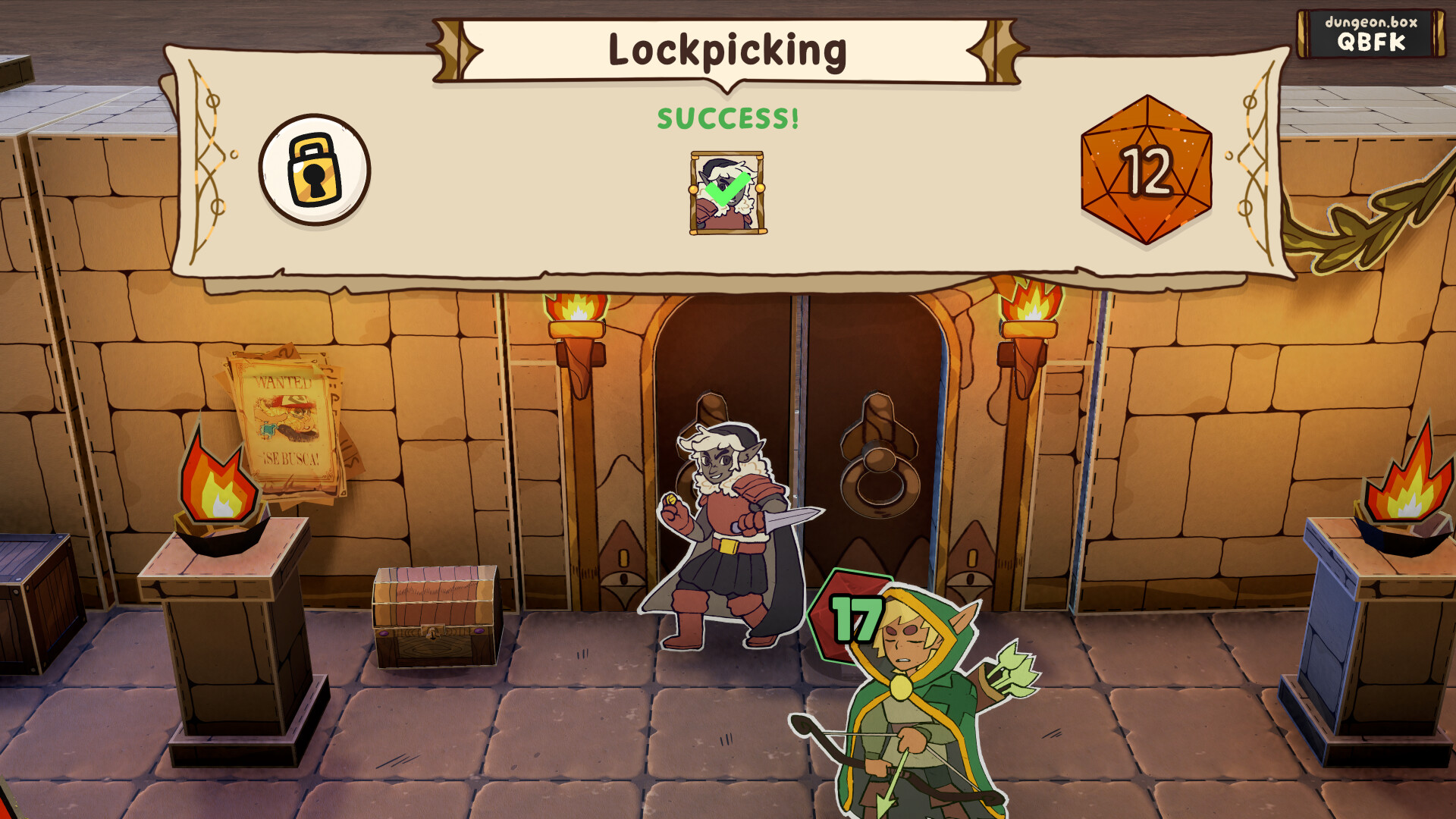
Joining DungeonBox is intentionally lighter than installing a multiplayer client. Foxtail Games LLC built the party path so guests never touch Steam: the host runs the game, you open a browser, and a short room code drops you into the adventure. This page is the guest-facing companion to Getting Started. After you are seated, read How to Play for the Join → Answer → Vote → Adventure loop, then Combat & Voting before the first fight.
Guest checklist (about sixty seconds)
- Connect the phone to the same solid Wi-Fi the host expects (or a strong mobile connection if the host allows remote join patterns your group uses).
- Open a modern mobile browser and go to dungeon.box.
- Enter the room code the host reads aloud or posts in chat.
- Confirm your seat appears on the shared screen.
- Pick a hero when the host opens character select — there are 12 handcrafted heroes with abilities such as Fireball, Pickpocket, and Diss Track.
- Keep the phone unlocked and charged; skill checks and votes happen there.
You do not create an account. You do not download an app from an app store. If a friend sends you a Steam link by mistake, send them back this page: only the host needs Steam app 3788110 on Windows or macOS.
What the host must do first
Someone still has to launch DungeonBox, create the session, and share the code. If that person is you, switch to Getting Started and the party host checklist. Hosts should verify system requirements and decide Computer DM versus Player DM before guests hammer the join form. Content rating (Family Friendly through Anything Goes) should be set before people invent jokes the rating would block.
Demo nights follow the same join URL pattern — confirm availability on the demo page. Full Steam release is December 1, 2026 for Windows and macOS, with Xbox, PlayStation, and Switch planned later in 2026. Phone join remains the core fantasy across those platforms.
Local party, remote friends, and stream audiences
Most tables are couch co-op: one TV, eight phones max, snacks on the table. When a friend cannot visit, Remote Play Together can extend the host stream so they still participate remotely. Streamers can enable audience voting so viewers influence scenes without consuming a hero seat — useful when you already have a full roster of players and CPU fillers.
CPU players occupy empty chairs so combat and quest pacing still feel like a full party. Tell late arrivals whether a CPU seat can be swapped for a human mid-session; policies vary by table, so decide before the first vote.
Troubleshooting join problems
- Code rejected — ask the host to regenerate or re-read the code; watch for O/0 and I/1 confusion.
- Page will not load — confirm spelling dungeon.box, try another browser, or switch Wi-Fi networks.
- Joined but cannot act — the host may still be in lobby setup, picking DM mode, or locking hero select.
- Phone overheats or dims — disable aggressive battery savers that pause background tabs mid-check.
- Remote lag — Remote Play Together quality depends on the host upload and your connection; sit local when possible.
If the shared screen shows your name but your phone UI is blank, refresh once, then re-enter the code rather than creating a duplicate seat. Hosts can cross-check seats against the Steam window while guests stay on this join flow.
After you are in
Learn the loop in How to Play: Answer prompts, resolve d20 skill checks (including natural 20 and natural 1), and Vote during combat cards. Skim heroes and the players hub if you want lore before locking a class fantasy. The tier list is optional opinion — pick what sounds fun for a first Lion’s Labyrinth run.
Campaign nights often push into the papercraft crawl documented in Lion’s Labyrinth, including the Gilded Serpent hoard and 100+ hand-written quests. Keep this join page bookmarked so returning players do not spam the host for the URL every week.
Etiquette that keeps rooms healthy
Mute yourself on side voice chats during skill checks if a second Discord is open. Do not screenshot other players’ private phone prompts if your table treats them as secret. Respect the content rating the host set. If you are the Bard-adjacent music person when the playlist stretch goal is active, ask before hijacking audio mid-narration.
For the full how-to map, use the Guides Hub. Store pages and community destinations sit under Links and the wiki overview. Kickstarter backers ($594,124 from 9,835 supporters) funded this phone-first join model — treat the sixty-second join as a feature, not a missing installer.
Frequently Asked Questions
Quick answers for hosts, heroes, and first-time players.
What URL do players use to join?
Open dungeon.box in a phone browser and enter the room code from the host. No app install and no account are required.
Can I join from a PC browser instead of a phone?
The design targets phones as controllers. Ask your host what they support for your session; most parties expect mobile browsers at the couch.
What if all eight seats are full?
Wait for an open seat, ask whether a CPU seat can be swapped, or join as audience voting if the host enabled stream participation.
Do I need the demo or full game to join as a guest?
Guests only need the room code and dungeon.box. The host must own or run the Steam build (demo or full release).